
Program with intent
Build looks quickly with visual selections and a command line designed for live work.
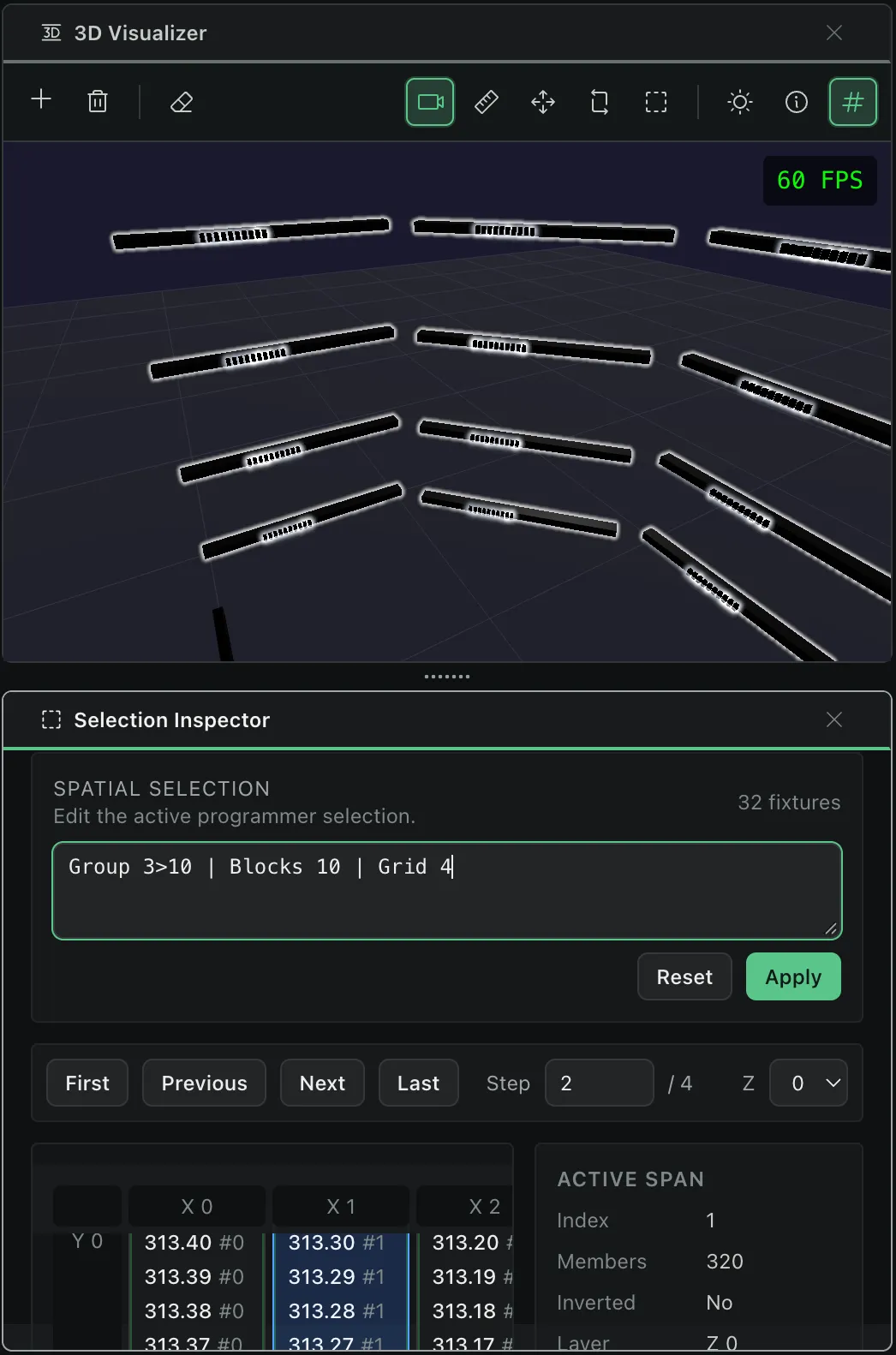
Nightfall is a modern DMX lighting controller for programming live or timecoded shows.
Built with a modern and intuitive UI, it will help you build complex shows whether you're a professional or hobbyist light programmers.
Focus on what matters
Every panel is dockable and can be rearranged to suit your workflow.
Save layouts to easily flip between authoring and performance views.
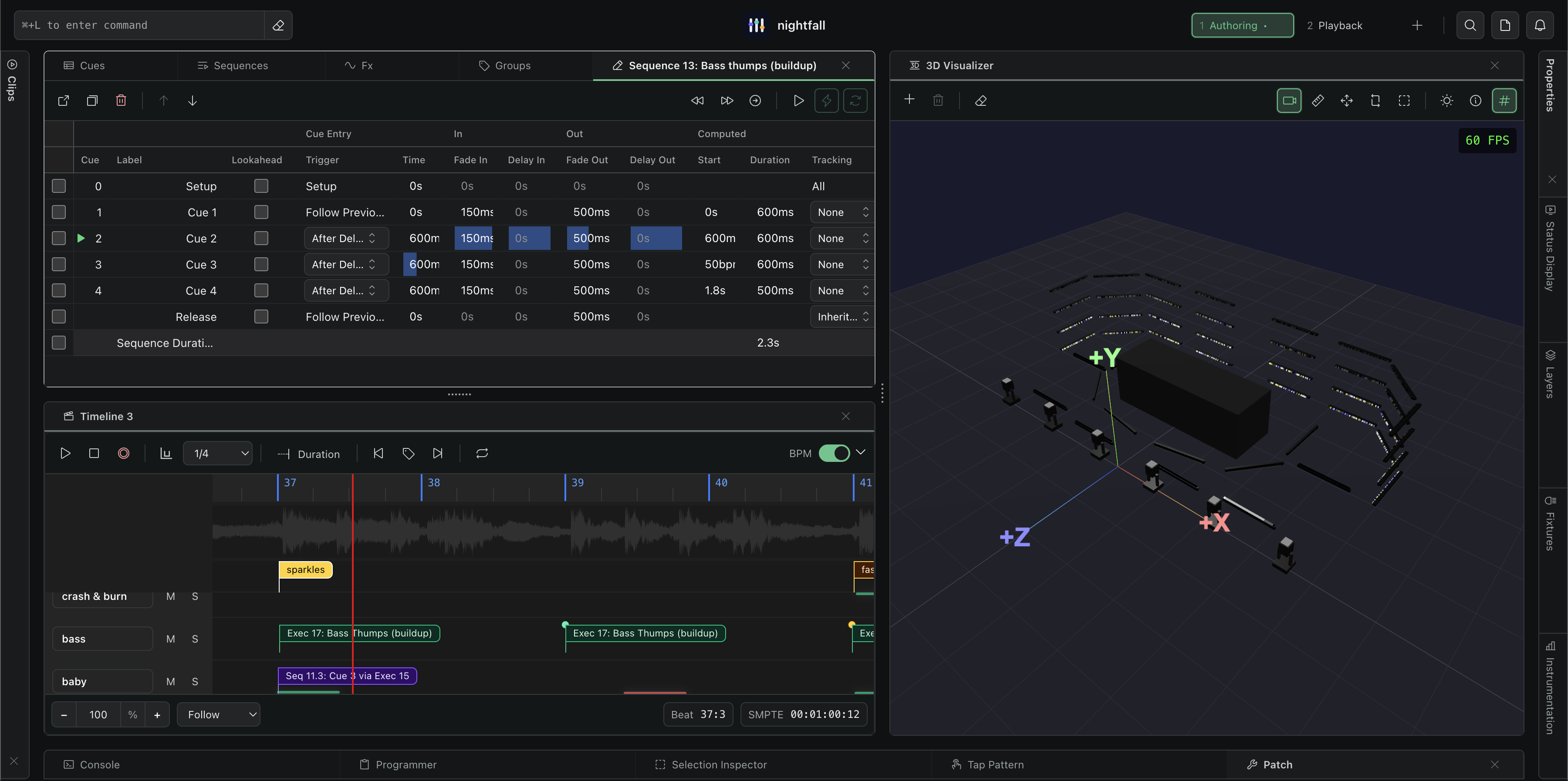
Authoring
Build looks quickly with visual selections and a command line designed for live work.
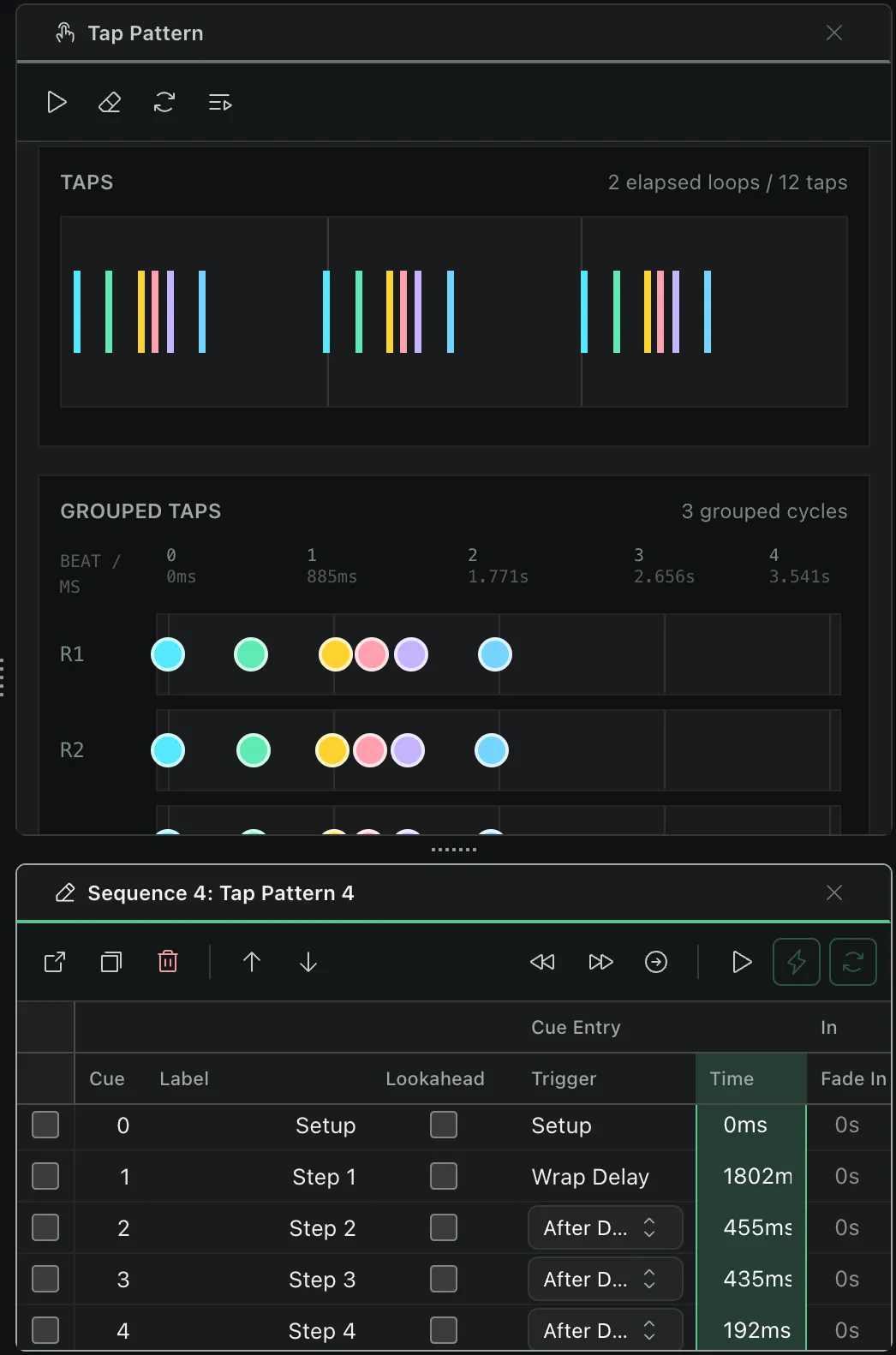
Easily turn patterns into cue sequences, and place them on timelines.
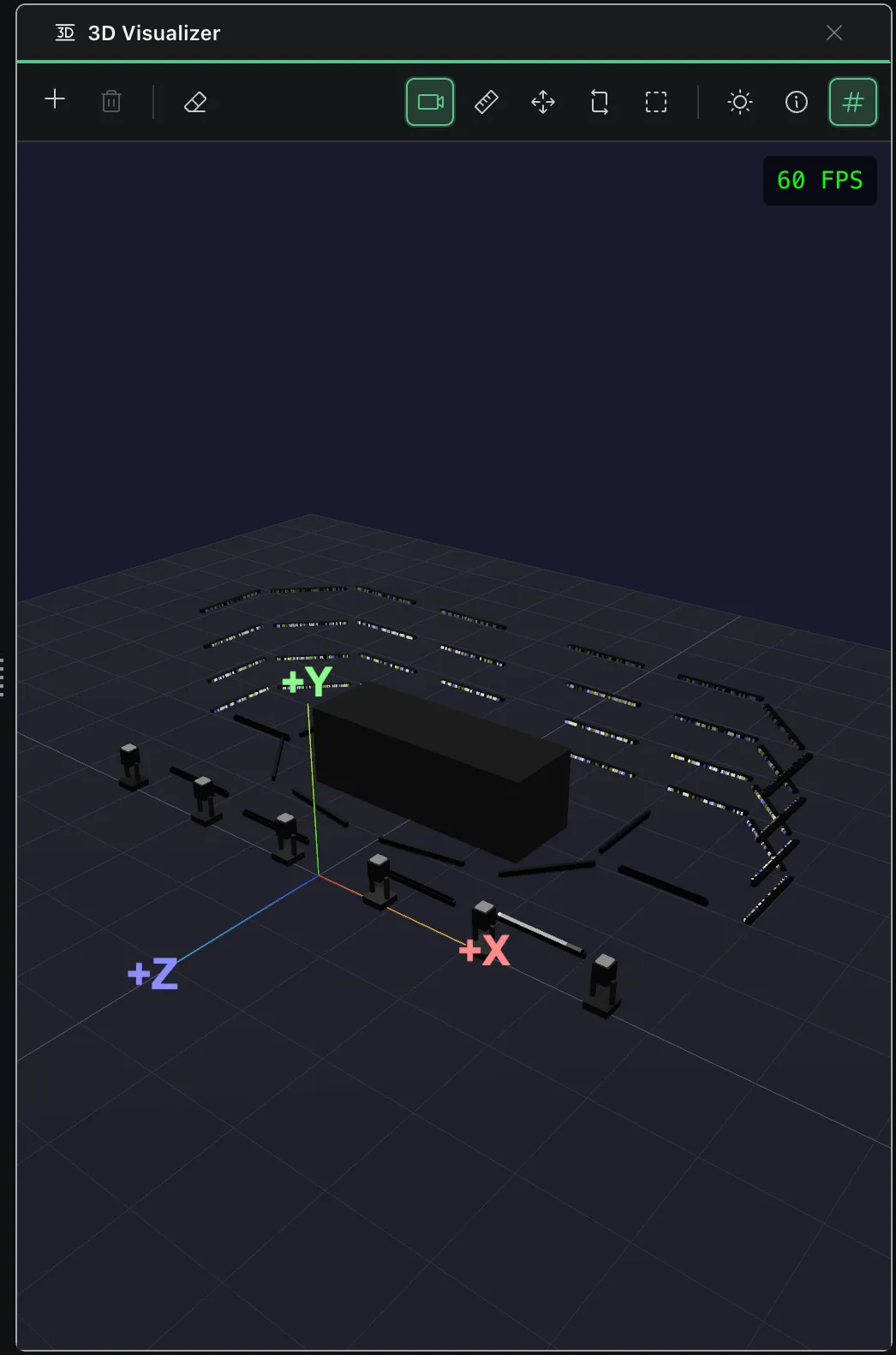
Use the integrated 3D visualizer to inspect movement, color, and intensity and rehearse for the live show.
Inputs & outputs
Nightfall has no DMX universe limits and can control thousands of DMX channels on modern hardware, so you can create the show of your dreams.
Patch in any GDTF fixtures and send DMX data out to various transports.
We also understand that complex shows are a product of multiple tools, so you can control Nightfall via MIDI & OSC as well as receive DMX over the network from other software.
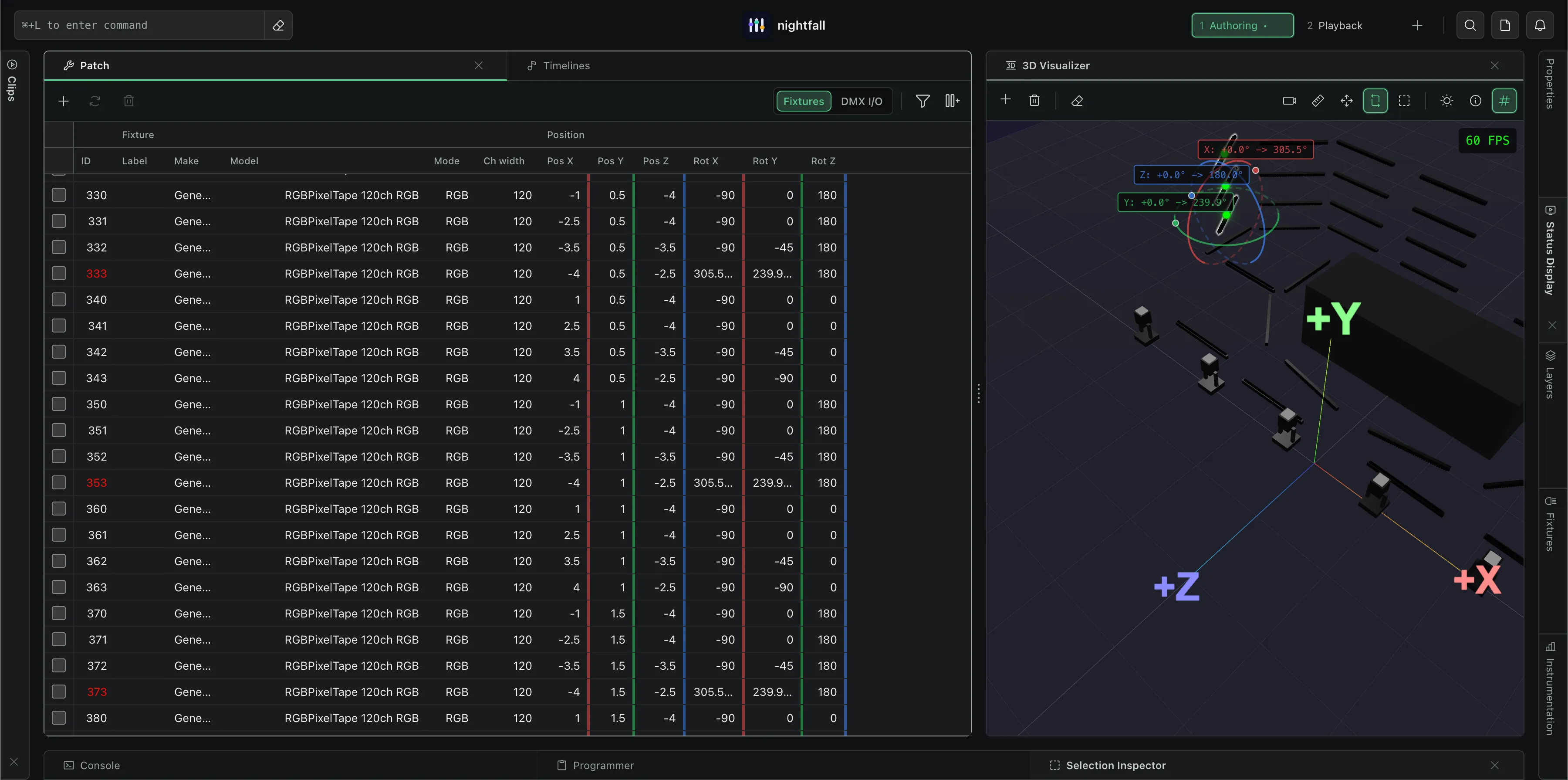
Patch
Patch your fixtures from either the built-in LED bar and spot profiles, or import any GDTF. Lay them out as you choose and easily create selection groups.
Sequence
Build cues into sequences and tweak transition timings with precision.
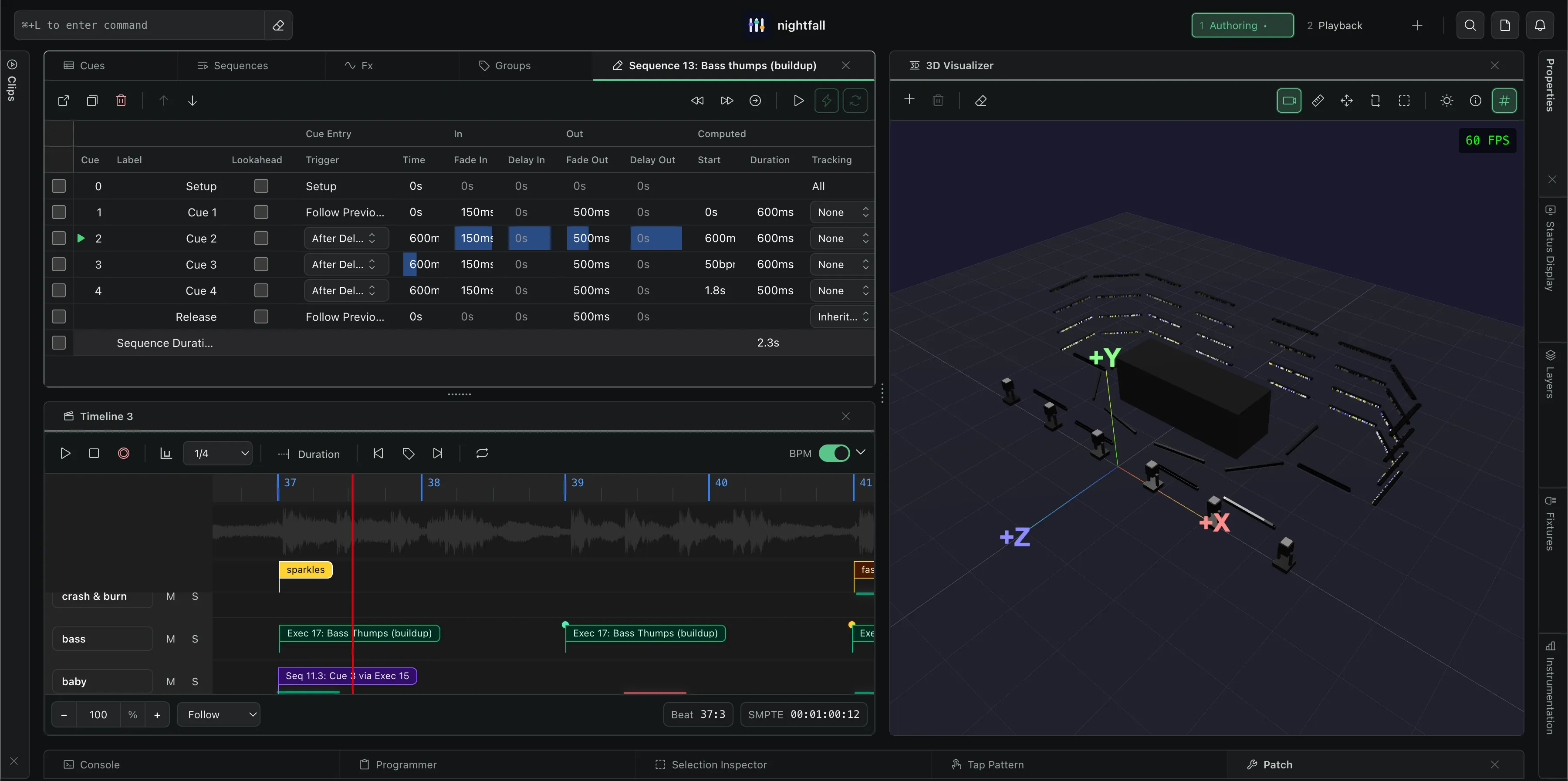
Visualize
Inspect fixture position, beam movement, color, and output in the same workspace used to program the rig.